A new home for your adventure.
The new Aldoria launcher brings Play, automatic client updates, website links and the latest development news together.
FREE TO PLAY · IN YOUR BROWSER
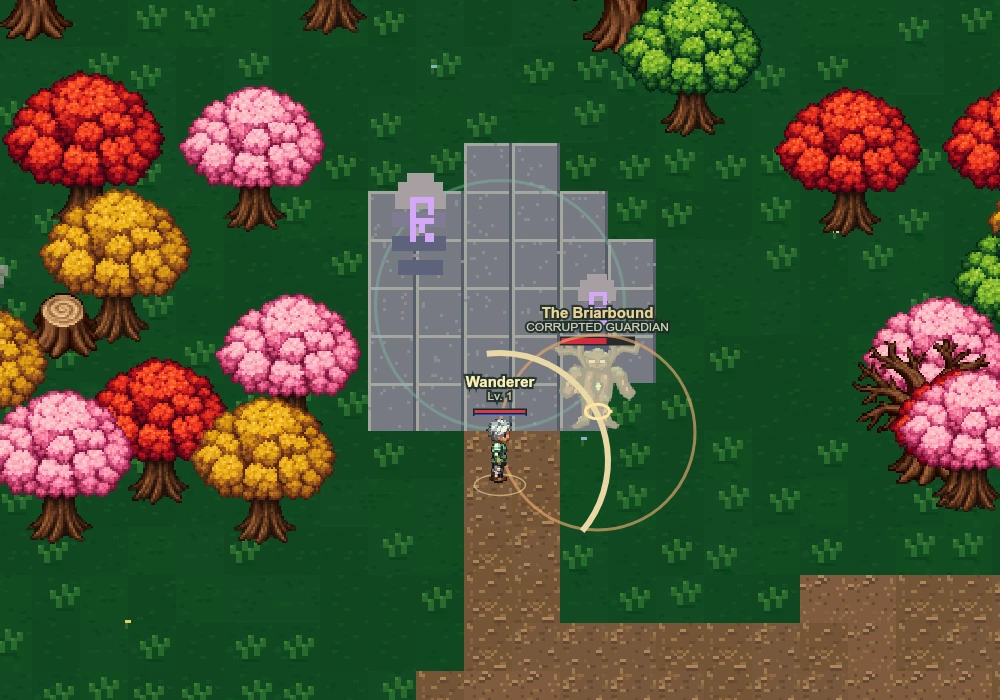
A classic pixel world of quiet towns, wild forests and corrupted guardians. Choose your calling, master your skills and recover the lost shards of Ashen Vale.
Free to play. Sign in and your characters follow you everywhere.
WELCOME TO ASHEN VALE
Warm hearths, quiet woodland paths and something stirring beneath the roots. Your first chapter starts at the last lantern.
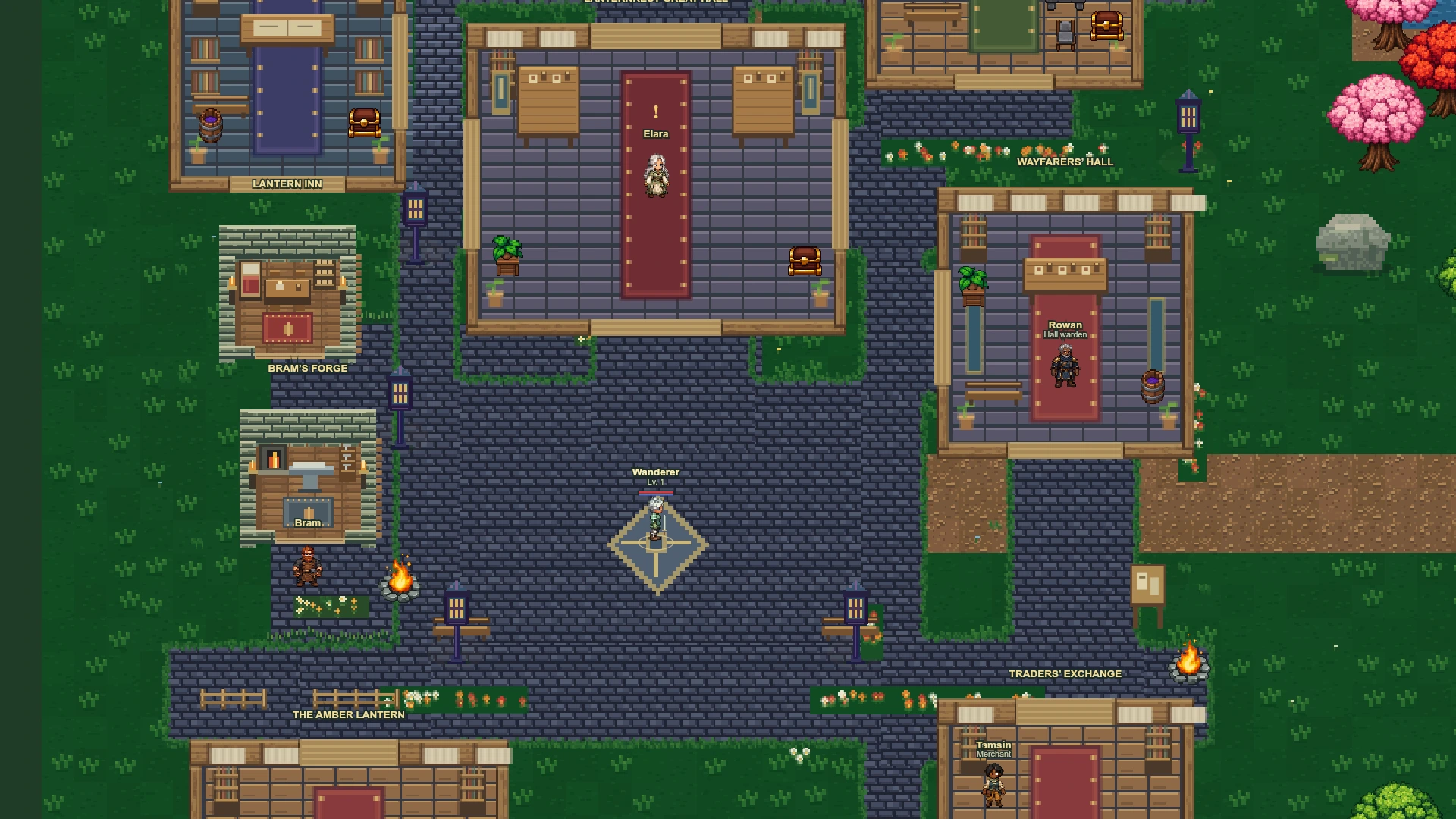
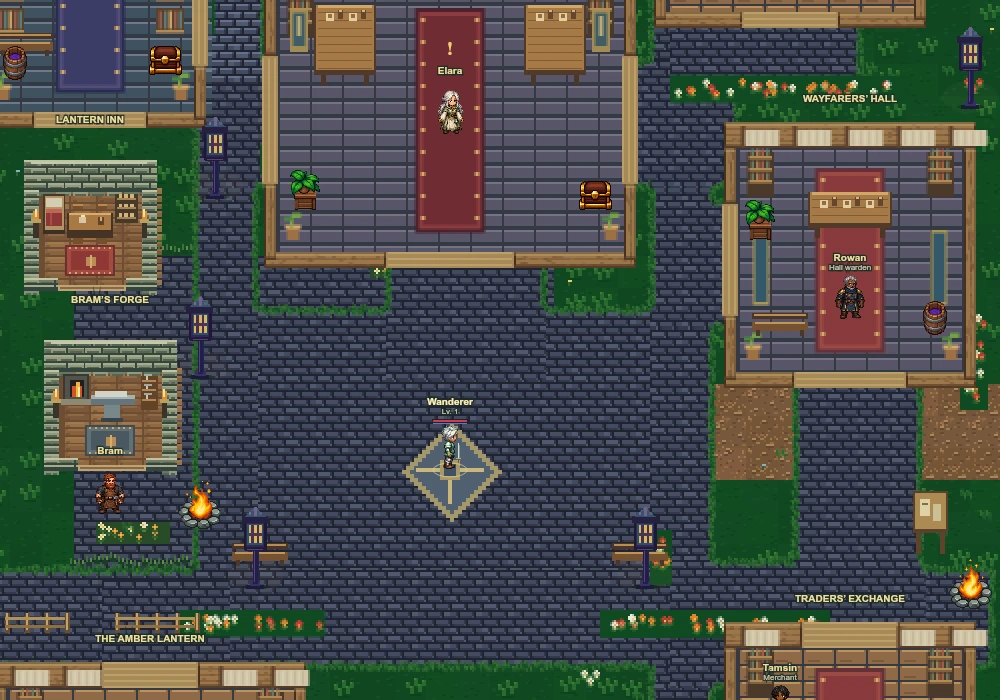 01 / LANTERNREST View image ↗
YOUR JOURNEY BEGINS HERE
Meet Keeper Elara in the Great Hall, recover her missing lantern and earn your first weapon. Then venture into the vale.
FROM THE GAME
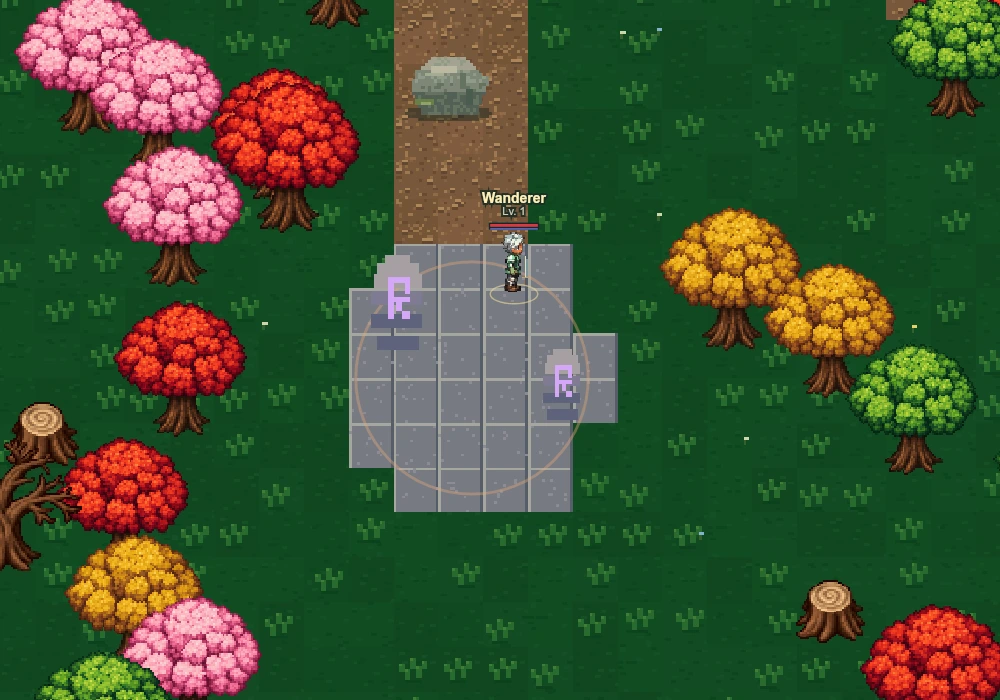
Explore the places waiting beyond the town gates.
THE ALDORIA BROWSER CLIENT
Create a character or return to your saved journey on the dedicated game page.
Same device, same browser, same saved characters.
LATEST NEWS
News from Aldoria now appears here and inside the desktop launcher.
The new Aldoria launcher brings Play, automatic client updates, website links and the latest development news together.
Choose Guardian, Arcanist or Wayfarer, customise your appearance and keep separate saved journeys.
Begin in the Great Hall, meet the townsfolk and venture through the gates toward the corrupted guardians.
BEFORE YOU SET OUT
Open the browser client or desktop launcher, choose a class and create your character. Use WASD or arrow keys to move, Space to attack, Q and E for skills, F to interact and R to heal. On mobile, use the joystick and touch buttons.
This first chapter is a single-player adventure. The town, characters, quests and combat are playable now.
Your characters are saved to your Aldoria account. Sign in on any device, in the browser or the launcher, and they are there.
The Windows launcher is the easiest desktop option. It opens the live game in its own window, so you always play the newest version, and keeps the latest news and useful links together. Windows may warn you the first time, because the launcher is not code-signed yet: choose More info, then Run anyway. You can still play directly in your browser.